

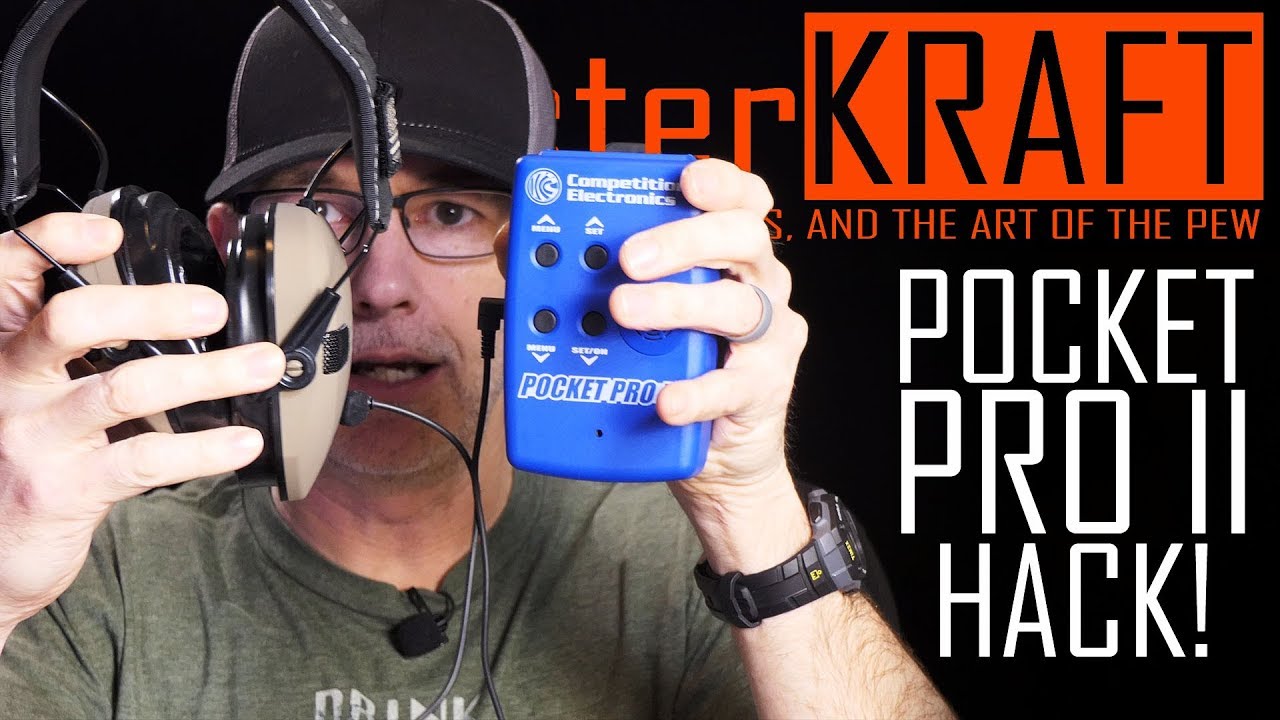
A Headphone Jack on Pocket Pro II Shot Timer! It's a CEI001 hack!
February 2, 2019
Explore how to add a headphone jack to the Pocket Pro II Shot Timer for discreet practice. Step-by-step guide with real-world insights.
Quick Look
Overview
In the world of shooting sports, timing is everything, and finding ways to improve your practice without disturbing others can be crucial. The Pocket Pro II Shot Timer is a favorite among enthusiasts, but it lacks a feature that many shooters might find invaluable: a headphone jack. Today, I’ll show you how to perform a straightforward modification to add this much-needed functionality.
What This Video Demonstrates
This tutorial guides you through the process of adding an auxiliary output to the Pocket Pro II Shot Timer. This modification allows you to hear timing beeps directly in your headphones or ear protection, enabling you to maintain the focus of your practice without causing distractions in a crowded range. We’ll cover tools, steps, and potential pitfalls along the way.
Step-by-Step Explanation
- Gather Your Tools: You’ll need a soldering iron, a 3.5mm jack socket, some wires, and basic electronic tools. If you’re not confident in your soldering skills, find someone who is, as this step can void your warranty.
- Disassemble the Timer: Carefully remove the battery and unscrew the casing to expose the internal components of the timer. This is where the real work happens.
- Identify Connection Points: Locate the piezo speaker on the circuit board. You’ll be soldering wires from the speaker to your newly installed jack, ensuring that plugging in the jack disables the internal speaker.
- Soldering the Wires: Connect the wires from the speaker to the jack, following a logical path. Ensure you tape any exposed connections to prevent shorting out components.
- Reassemble the Timer: Carefully put everything back together, ensuring no wires are pinched or crimped in the casing.
- Testing: Once reassembled, test the timer. Ensure that the beeps are audible only through your connected headphones and that the internal speaker is silent when the jack is plugged in.
Key Tips
- Always double-check your soldering connections to avoid shorts. If you’re hesitant, practice on some scrap electronics first.
- Keep track of all screws and components during disassembly to make reassembly easier.
- Consider the length of wires you’re using; too short will make reassembly difficult, but too long can clutter your device.
- Test thoroughly before and after modifications to ensure everything works as intended, minimizing the risk of damaging your timer.
Key Takeaways
This modification demonstrates a great way to customize your gear for enhanced performance during shooting practice. While the Pocket Pro II Shot Timer is exceptional on its own, adding a headphone jack opens up new possibilities for practice settings, especially in indoor ranges. Tinkering with electronics can introduce additional skills to your shooting repertoire, allowing you to tailor your equipment to your exact needs.
However, it’s vital to proceed with caution; modifications can void warranties, and soldering requires a steady hand and careful attention to detail. If done correctly, this simple hack can drastically improve your shooting practice while keeping noise levels manageable for others around you. Happy shooting!